Written by Jackson Pearce Student engineer and creator of TalonTodo
Last week I opened my phone's photo app and scrolled through 3,000 pictures to find one from last month. My desktop had so many files I could barely see the wallpaper. My email inbox had 847 unread messages. My downloads folder was a disaster.
I thought I was organized because my physical desk was clean. But my digital life was chaos, and it was slowing me down every single day.
Physical clutter is obvious—you see it, you feel it. Digital clutter is more insidious. It slows you down, drains your battery, makes your brain work harder to find what you need, and creates constant low-level stress.
This realization was part of why I built TalonTodo. I needed a tool that would help me organize my digital life, not just my tasks. But first, I had to clean up the mess I'd created.
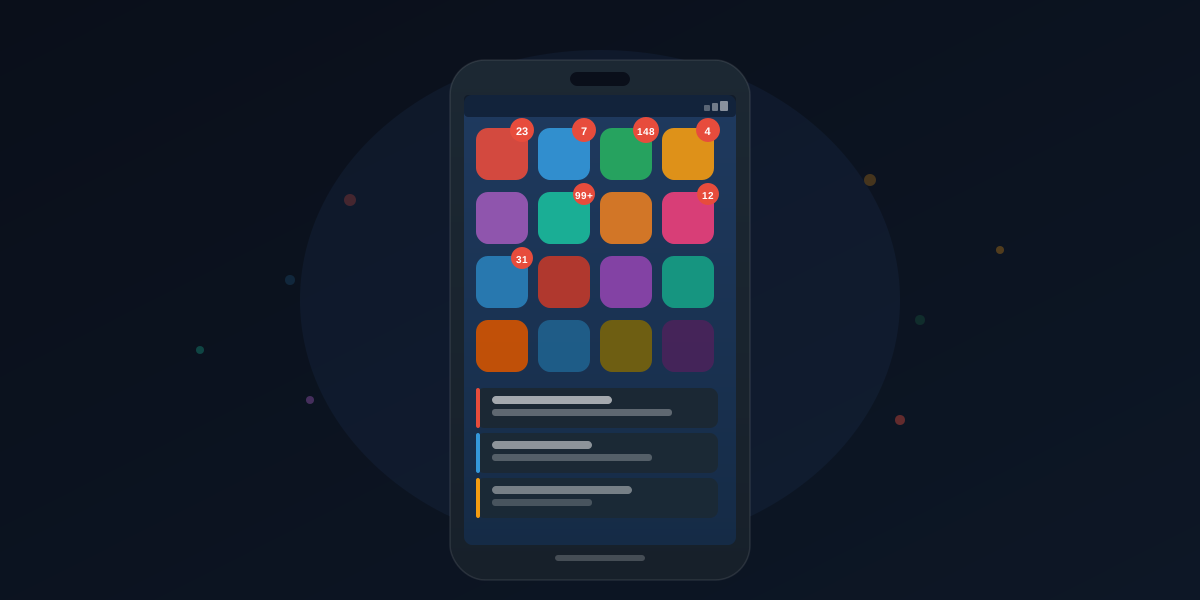
The Hidden Cost of Digital Hoarding
Every time you scroll past 200 photos to find one, or search through folders to locate a document, you're spending mental energy. You're making decisions you don't need to make. "Is it in this folder or that one? Did I save it with this name or that name? Is it on my phone or my computer?"
This constant low-level friction adds up. Over a day, you might spend 30 minutes just navigating your own mess. That's time you could be doing actual work. That's mental energy you could be using for important decisions.
I tracked my digital clutter time for a week. I spent an average of 45 minutes per day just finding things. Finding photos, finding files, finding emails, finding apps. That's 5.25 hours per week. Over a semester, that's 75 hours. That's almost two full weeks of work time wasted on digital clutter.
Why Digital Clutter Matters
Digital clutter doesn't just waste time. It affects your ability to think clearly, make decisions, and focus on what matters.
Decision Fatigue: Every time you have to decide where to save something, what to name it, or where to find it, you're using mental energy. That energy could be going toward actual work.
Cognitive Load: Your brain has to work harder to navigate clutter. That mental effort reduces your capacity for important thinking.
Stress: Clutter creates a constant low-level stress. You know things are messy, even if you're not actively thinking about it.
Lost Opportunities: When you can't find things quickly, you miss opportunities. That important document? Can't find it. That photo you wanted to share? Lost in 3,000 others.
Battery Drain: Digital clutter literally drains your devices. Thousands of photos, hundreds of apps, constant notifications—it all uses resources.
Start With One Device
Trying to clean everything at once is overwhelming. Pick one device or app and make it perfect. Then move to the next.
I started with my phone. It was the worst offender—3,000 photos, 50+ apps I never used, notifications from everything. I spent a Saturday cleaning it up, and the difference was immediate.
Photos
Delete duplicates. Create albums. Use the search function properly with tags. I deleted 1,500 duplicate or unnecessary photos. I organized the rest into albums by semester and event. Now I can find any photo in seconds.
Files
Create a folder structure that makes sense. Move old stuff to an archive. Delete what you'll never need.
I created a simple structure:
- Current Semester (by class)
- Archive (old semesters)
- Projects (personal projects)
- Resources (templates, references)
Everything has a place. Nothing gets lost.
Unsubscribe from things you don't read. Archive everything older than 3 months. Use folders or tags.
I had 847 unread emails. I spent an afternoon:
- Unsubscribing from 20+ newsletters I never read
- Archiving everything older than 3 months
- Creating folders for different types of emails
- Setting up filters to automatically sort new emails
Now my inbox stays clean, and I can find important emails quickly.
Apps
Remove apps you haven't opened in 6 months. Organize what's left into folders by function.
I deleted 30+ apps I never used. I organized the rest into folders:
- Productivity (TalonTodo, calendar, notes)
- Communication (email, messages)
- Learning (course apps, study tools)
- Utilities (calculator, weather, etc.)
My phone is now clean and organized. I can find any app instantly.
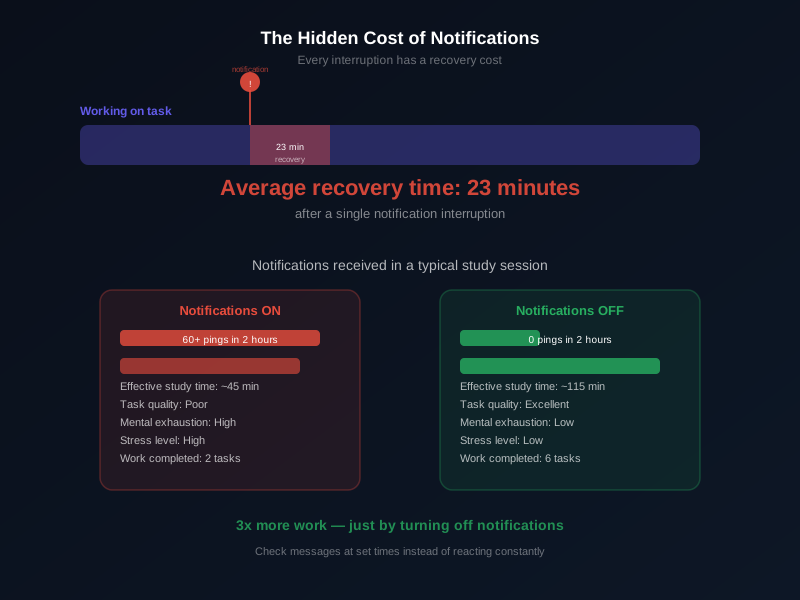
The 80/20 Rule for Digital Stuff
You probably use 20% of what you have 80% of the time. The other 80% is just taking up space and mental energy.
Audit what you actually need. Be ruthless. When was the last time you looked at that old presentation? Do you really need 50 saved articles you'll never read? Are those 200 screenshots actually important?
I applied the 80/20 rule to everything:
- Photos: Kept 20% that I actually look at, archived the rest
- Files: Deleted 80% I never accessed, kept only what I use
- Apps: Removed 80% I never opened, kept only essentials
- Emails: Archived 80% I never referenced, kept only active threads
The result? My devices are faster, my battery lasts longer, and I can find everything instantly.
Maintenance Beats Big Cleanups
The mistake most people make is waiting until things are a disaster, then doing a massive cleanup. That's exhausting and you'll just let it get messy again.
Instead, spend 5 minutes every Friday doing maintenance:
- Delete photos you don't need
- Archive emails from the week
- Organize any new files
- Clean up your downloads folder
- Remove apps you haven't used
Small, consistent effort prevents big messes. I do this every Friday afternoon. It takes 5-10 minutes, and my digital life stays clean.
Set Defaults That Help You
Make your devices work for you, not against you:
- Set up automatic photo organization
- Use cloud storage so you can find things from any device
- Enable email filters to automatically sort messages
- Create templates for common documents
- Use consistent naming conventions
The less you have to think about organization, the more it just happens. I set up automatic organization for everything:
- Photos automatically organized by date
- Emails automatically sorted into folders
- Files automatically backed up to cloud
- Templates for common documents
Now organization happens automatically. I don't have to think about it.
The Mental Clarity Benefit
After cleaning up one area, pay attention. Do you feel lighter? Less anxious? Faster at finding things? More focused?
That feeling is why this matters. Clean digital spaces aren't just about efficiency—they're about mental clarity.
When my digital life was cluttered, I felt constantly behind. I couldn't find things. I was always searching. It created a low-level stress that affected everything.
Now, with everything organized, I feel in control. I can find anything instantly. I'm not constantly searching. The mental clarity is worth more than the time saved.
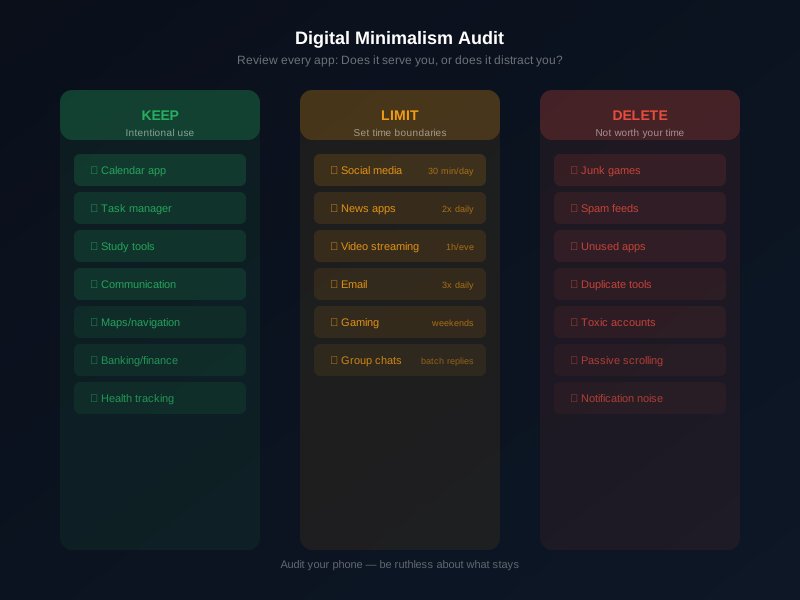
How TalonTodo Helps Me Stay Organized
I built TalonTodo to help me maintain digital organization, not just task organization. Here's how it helps:
Why I built it: I was frustrated with digital clutter in my task management. I had tasks scattered across multiple apps, notes in different places, deadlines in my head. I needed one organized system.
How it helps: TalonTodo centralizes everything—tasks, deadlines, notes, schedules. Instead of having information scattered across devices and apps, everything is in one organized place. The calendar integration shows everything together, so I can see the full picture.
Feature example: The file attachment feature lets me attach relevant documents to tasks. Instead of searching through folders to find the assignment sheet, it's attached to the task. Instead of hunting for notes, they're linked to the relevant assignment. This reduces digital clutter by keeping related information together.
The app also helps with organization through consistent structure. Tasks are organized by class, priority, and deadline. Notes are linked to tasks. Everything has a place, so nothing gets lost.
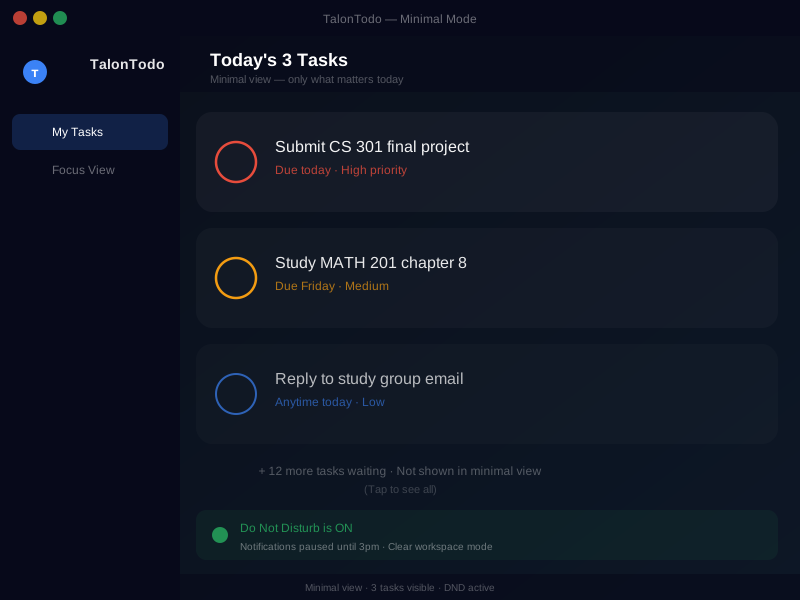
Real-World Cleaning Strategies
Here's how I cleaned up different areas:
Phone Cleanup
Before: 3,000 photos, 50+ apps, constant notifications, cluttered home screen
Process:
- Deleted duplicate and unnecessary photos (kept 1,500)
- Organized remaining photos into albums
- Deleted unused apps (removed 30+)
- Organized apps into folders
- Turned off unnecessary notifications
- Cleaned up home screen
After: Clean, organized, fast phone. Can find anything in seconds.
Time saved: About 20 minutes per day finding things
Computer Cleanup
Before: Desktop covered in files, downloads folder disaster, no organization system
Process:
- Created folder structure (Current, Archive, Projects, Resources)
- Moved all desktop files to appropriate folders
- Cleaned downloads folder (deleted 200+ old files)
- Organized documents by semester and class
- Set up automatic backups
After: Clean desktop, organized files, easy to find everything
Time saved: About 15 minutes per day searching for files
Email Cleanup
Before: 847 unread emails, no organization, constant stress
Process:
- Unsubscribed from 20+ newsletters
- Archived everything older than 3 months
- Created folders (Classes, Personal, Admin, Archive)
- Set up filters for automatic sorting
- Established inbox zero habit
After: Clean inbox, organized folders, no stress
Time saved: About 10 minutes per day managing email
The Compound Effect
One cleaned-up area saves you a few minutes. But cleaning up everything saves you hours per week and significantly reduces mental load.
Since cleaning up my digital life:
- More time: Saved about 45 minutes per day
- Less stress: No constant searching or feeling behind
- Better focus: Less distraction from clutter
- Faster devices: Less stuff means better performance
- Mental clarity: Organized space creates organized mind
The impact compounds over time. Those saved minutes add up to hours. That mental clarity improves everything else.
Getting Started
Try it. Clean up one device or app this week. See how it feels.
Steps to get started:
- Pick one area (phone, computer, email, etc.)
- Set aside time (1-2 hours for initial cleanup)
- Be ruthless (delete what you don't need)
- Create organization (folders, albums, structure)
- Set up maintenance (5 minutes weekly to keep it clean)
Start small. One device. One app. See the difference. Then expand to other areas.
Your future self will thank you. Clean digital spaces aren't just about efficiency—they're about mental clarity and peace of mind.
About the author Jackson Pearce is a student engineer and the creator of TalonTodo, a productivity app designed to help students manage projects, deadlines, and daily tasks more effectively.